

The gold standard in church presentation software. Display lyrics, scripture, sermon notes, and video across every screen in your space — from a single projector to a full multi-screen production — with a workflow your volunteers can learn in minutes.
Talk to Us About ProPresenter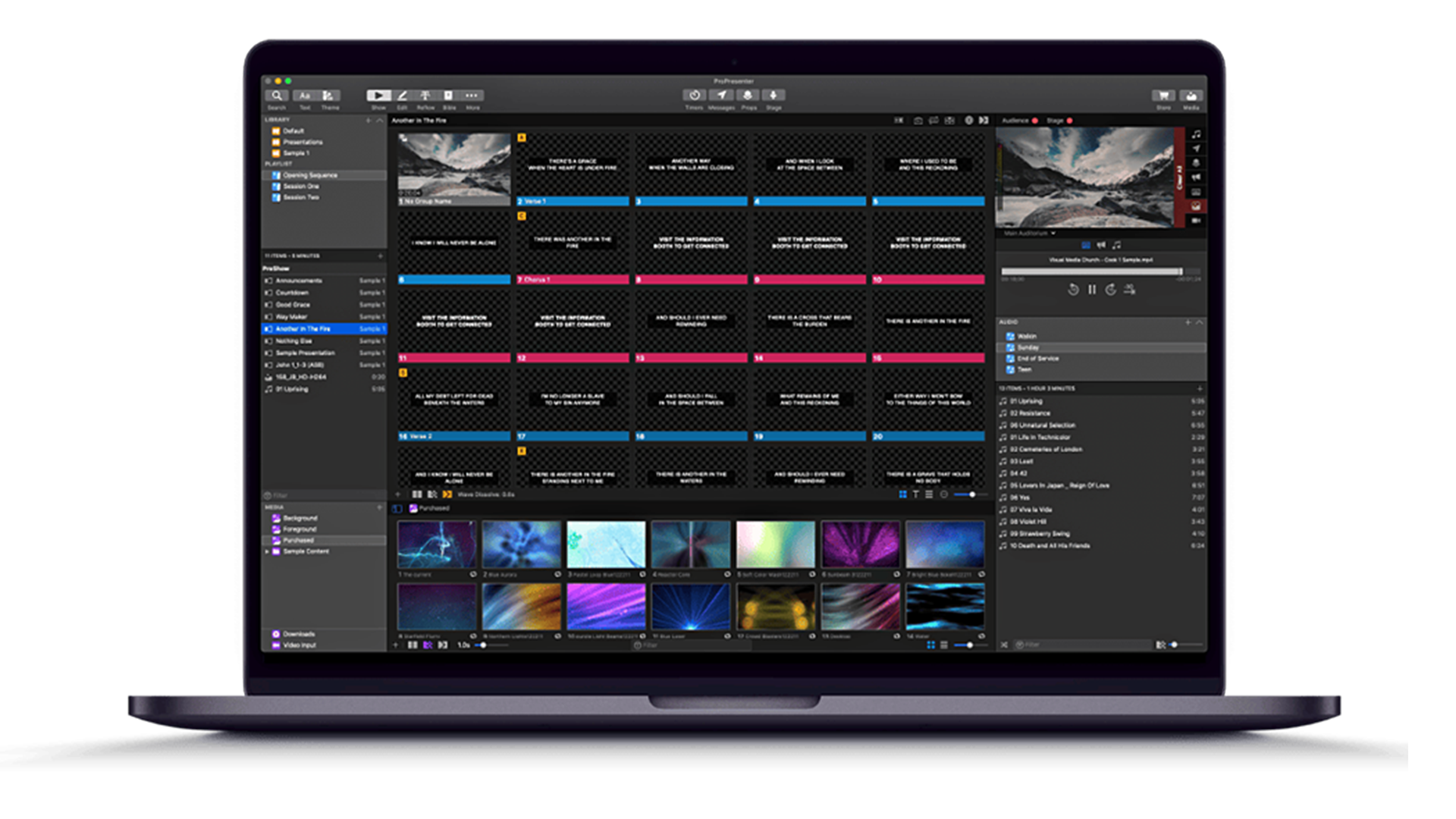
Multi-Screen Output
Send different content to the main screens, stage displays, and confidence monitors all at once.
Lyrics & Scripture
Worship lyrics and Bible verses in dozens of translations, ready to go in seconds.
Video & Media
Layered, broadcast-quality video playback with smooth transitions and built-in media bins.
Stage Display
Custom confidence monitors with timers, notes, and lyrics so your team is always in sync.
Live Streaming
Built-in tools to reach the people watching from home, not just the room.
Volunteer Friendly
A clean, drag-and-drop workflow that's easy to train and reliable under pressure.
Present Like a Pro
ProPresenter is the industry standard in live production and presentation software. Here is the complete feature set we set up, train, and support for your church.
Seamless Live Editing
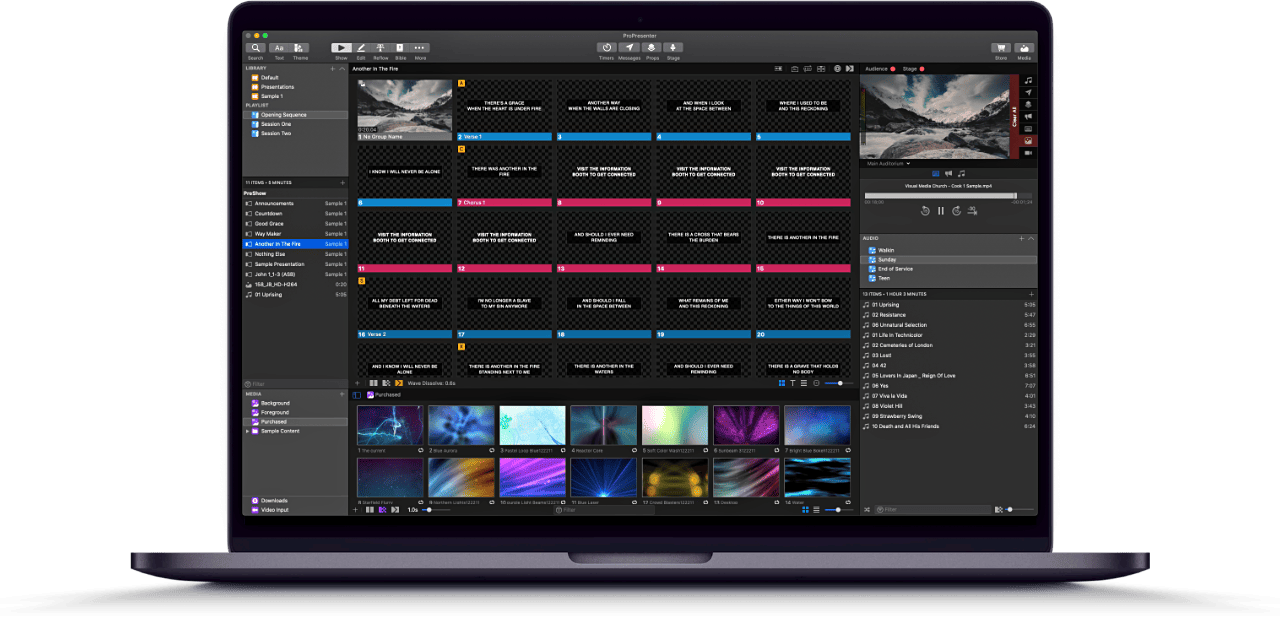
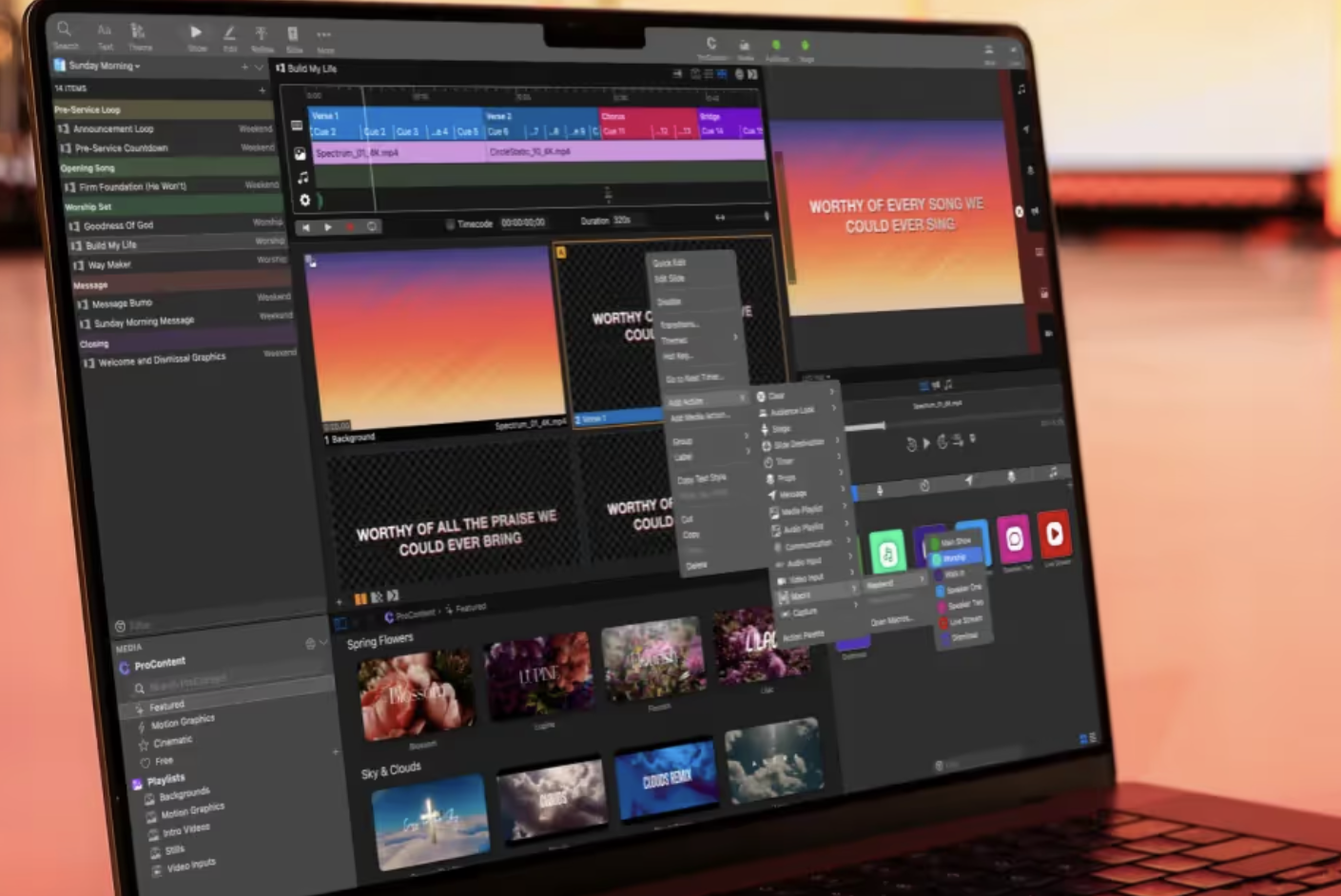
Make real-time edits to your presentation on the fly. Add videos, images, audio files and more to your slides before or during the service — without ever interrupting the live output on screen.
Multi-Screen Management
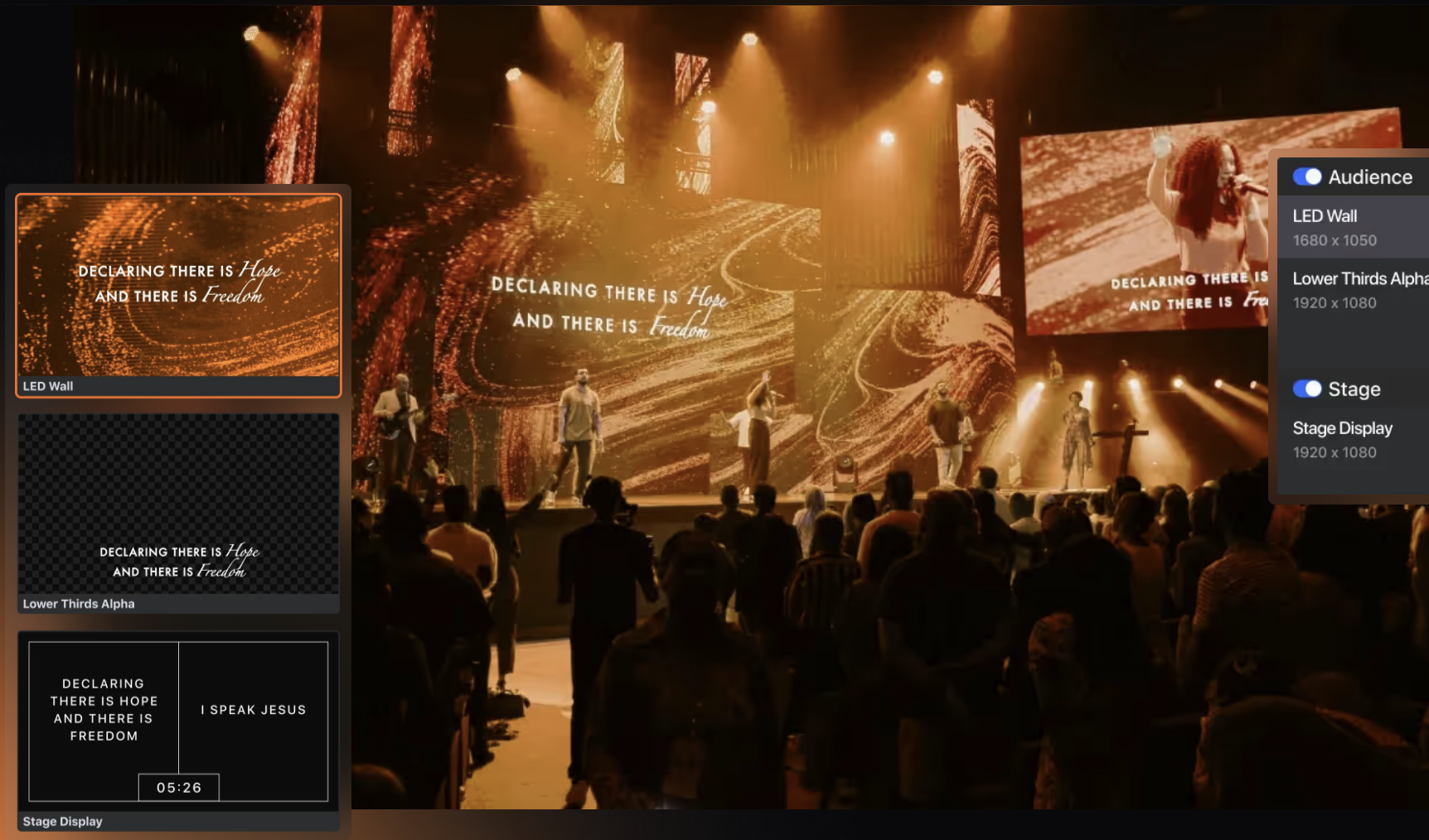
Manage multiple displays effortlessly. Send different layouts of your content to each screen or mirror the main presentation for a cohesive look, with support for up to 8 unique outputs.
Stage Display & Confidence Monitors
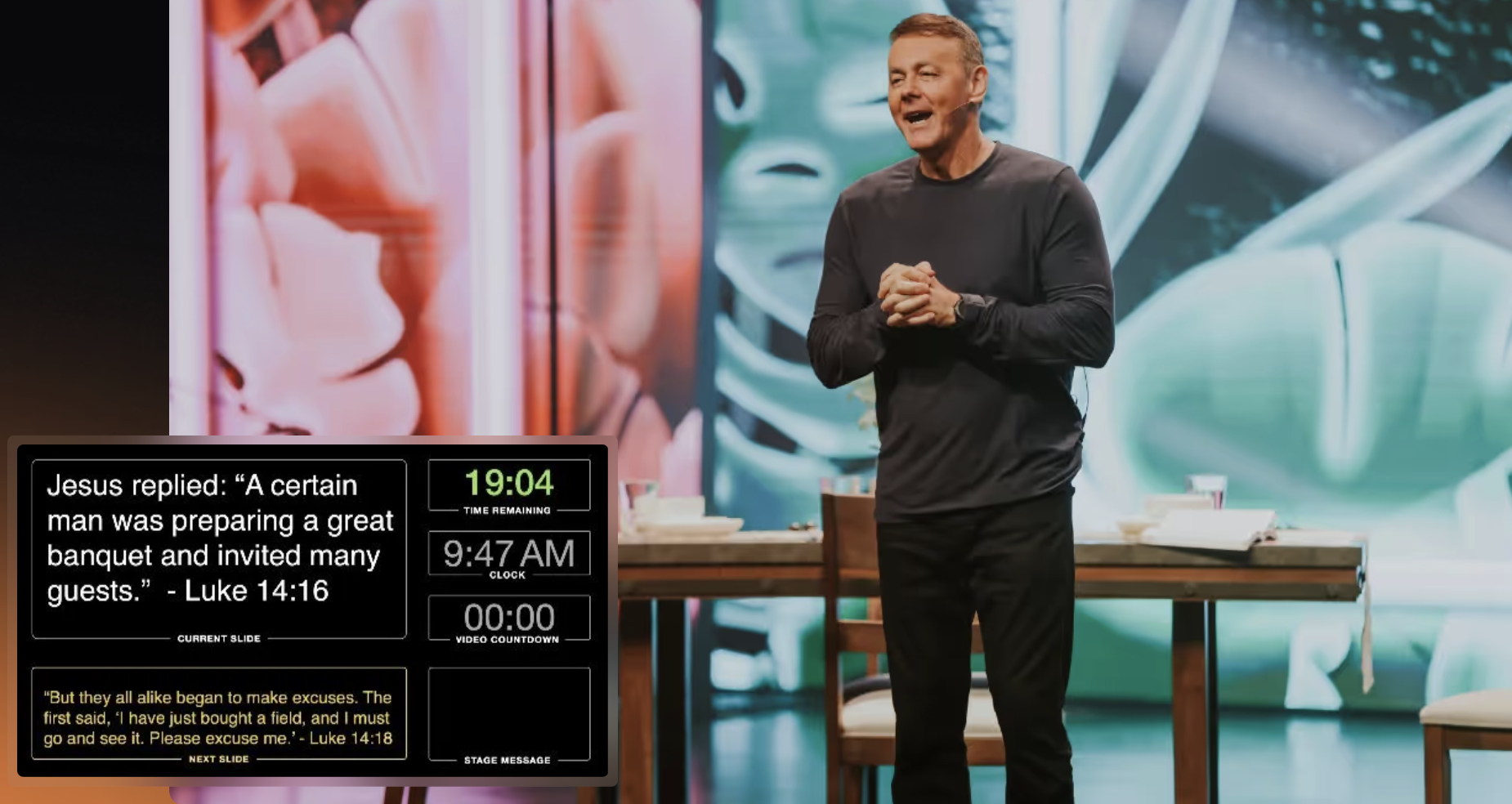
Keep your stage talent confident with fully customizable Stage Displays that give them everything they need — current and next slides, clocks, notes, and more.
Automations & Control
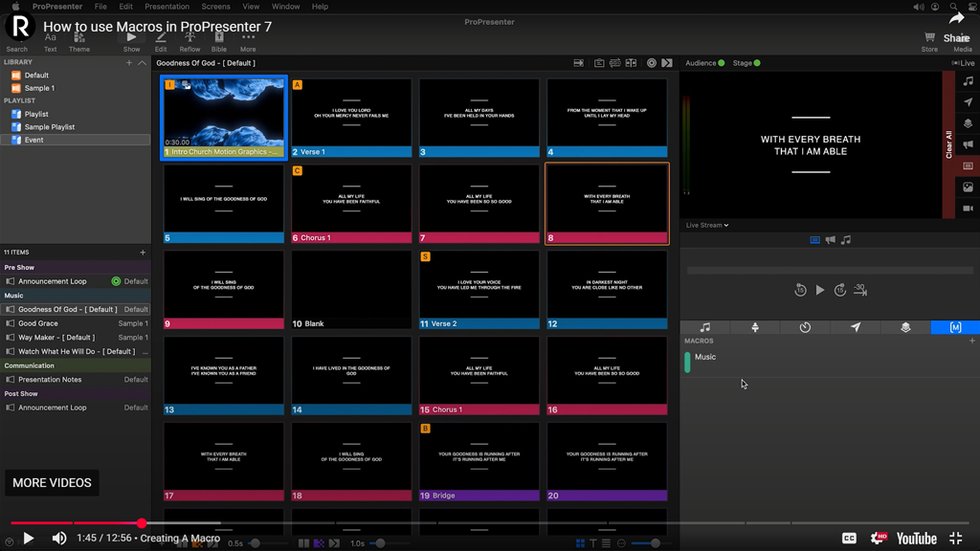
Let powerful automations take the reins. Macros for multi-action control, MIDI/DMX control, Timecode follow, and a collection of 3rd-party integrations let a single operator do the work of many.
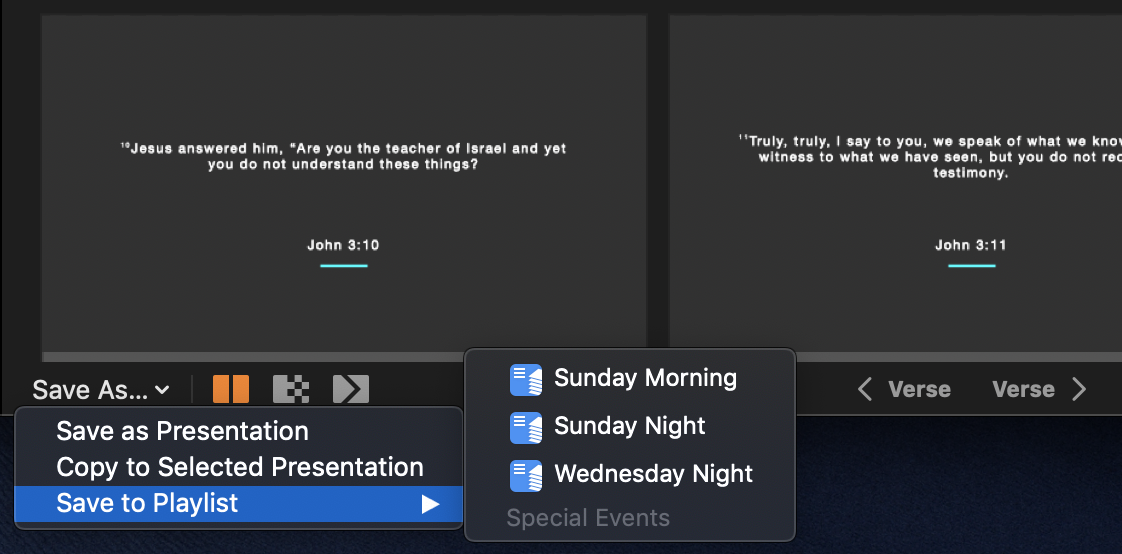
Bibles & Scripture
Quickly add scripture with dynamic lookup, available in 130+ translations across 25+ languages — perfect for teaching and multilingual congregations.
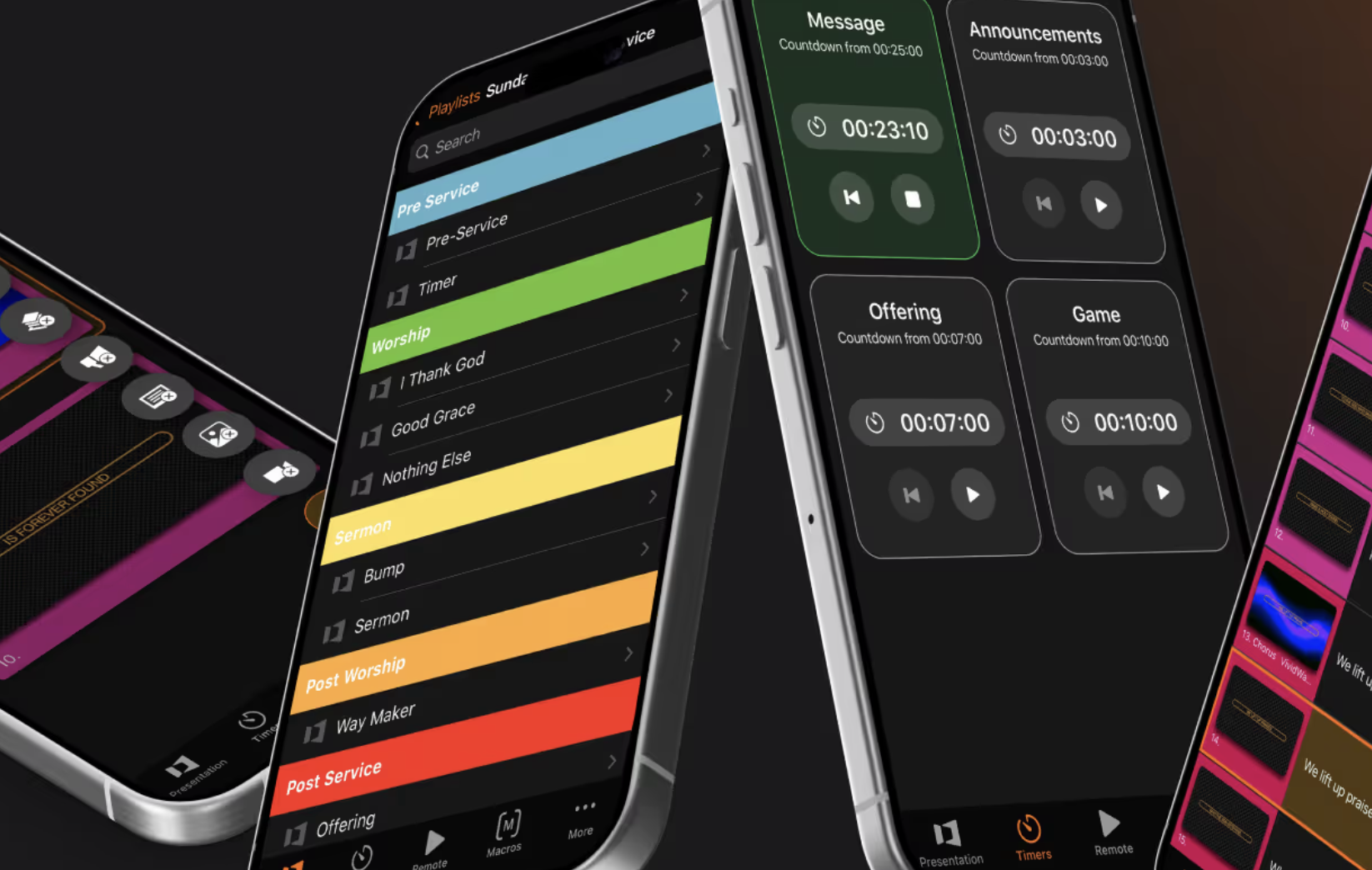
ProPresenter Remote
Control your presentations right from your fingertips, anywhere in the room. Included with every active ProPresenter subscription.
Broadcast Quality Outputs
Output to any display on your computer or to broadcast-quality video hardware, including separate key/fill channels for broadcast CG. Wide support for professional broadcast hardware.
More Power Built In
Props to overlay media on any layer, Current/Next text for speakers, NDI output over your network, SongSelect by CCLI for instant lyric import and reporting, Edge Blend for ultra-wide canvases, and the Reflow Editor for fast text editing.
Propresenter Training
ProPresenter Training
In Person ProPresenter Training
- Whether you're brand new to ProPresenter or looking to sharpen your existing skills, our ProPresenter 7 Training Class is designed to help your team run services with confidence. This hands-on training covers everything from creating presentations and managing media to advanced features like Stage Display and so much more.